Which rewards can I unlock?
| Reward | Required progress in Terrible Lizards |
|---|---|
| Badge and banner | Reach the Dalton’s Dinos museum lobby. |
| Charm | Complete Chapter 2. |
Follow the opening walkthrough or Chapter 2 route if you have not reached these milestones.
Where do I find my codes?
Return to the title menu. Open Dead by Daylight Rewards at the lower right and retrieve the unlocked code for each reward group.
View the reward-menu screenshot
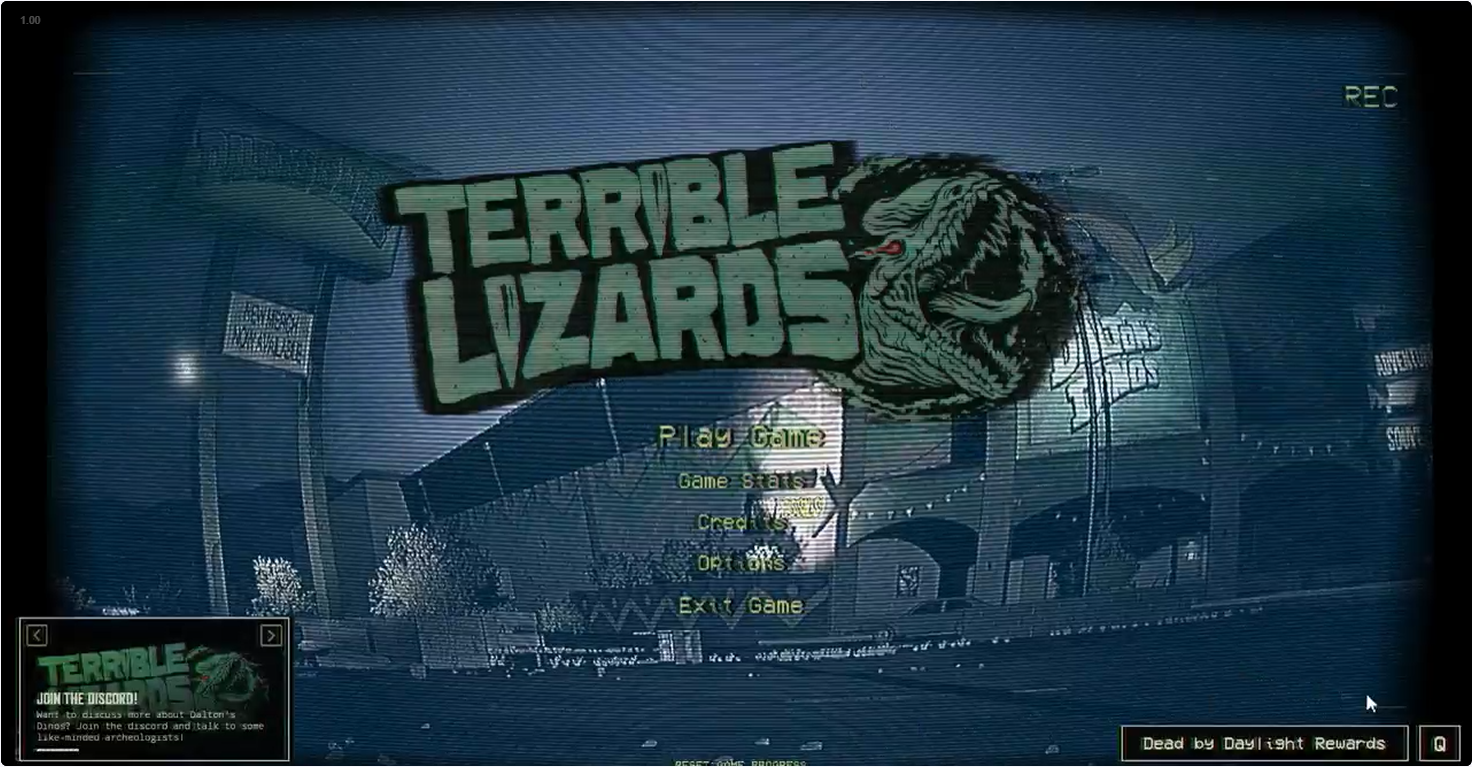
These are your in-game reward codes. The keypad guide covers a separate kind of code.
How to redeem through Behaviour Account
- Sign in at Behaviour Account with your relevant platform accounts linked.
- Open your game library, choose Dead by Daylight, then its rewards area.
- Choose the Terrible Lizards campaign matching your code, enter it and select the platform. Complete the ownership check and claim.
- If DBD was running, relaunch it. Check its customization screen; the support FAQ says there is no reward-arrival popup.
Missing code or missing reward?
For code-generation problems, use the contact route in the official support FAQ. Keep your personal code out of public comments or screenshots.
No redemption deadline or subscription-only eligibility is established here. Check the current campaign terms before making a purchase. We have not redeemed codes on your behalf.